
Route 3 of 3
Search by keyword: describe the item, then check the result
Typing a product name feels like the natural first move. It is also the route with the sharpest boundary, printed in small type on the official tutorial page.
Tutorial images below are older official UI examples. Amounts, offers, routes and account values shown are not current quotes. Open an image for the full-size source.
The boundary, in the operator's own words
The official tutorial page walks through three ways to select products, and under the keyword method it adds a tip most readers scroll past: product-information search currently supports the 1688, Taobao, Tmall and JD platforms. Four names, and the word currently.
The tutorial names those four platforms; it does not promise that every listing from them is indexed or currently importable. Stock, removed listings, incomplete indexing and the query itself can all affect results. An empty result does not by itself prove a seller or product does not exist. Use the actual result and try a product URL or the manual branch when needed.
Try the seller’s product vocabulary
The official help centre publishes a Chinese–English commodity vocabulary and suggests using product keywords for marketplace search. It can help when the seller’s wording differs from yours. Start with the product noun, then add a relevant material or feature; do not copy a brand term and assume every result is the exact model.
The practical habit is a two-step: translate the product word first, then search. For jeans, dresses, hoodies and most garment nouns the official catalogue article carries the exact pair, and a general translator covers the rest. Compare the results of the item name and a more specific material, shape or intended use. A translated term can help, but it does not guarantee more or better results.
When even the translated term returns nothing useful, the same article's advice applies: contact customer service for help finding the product. Live chat hours and the support address are on the help page.
Where this route beats the other two
Keywords win when you know the item type but hold neither a link nor a clean picture: generic basics, household goods, accessories by material or shape. The query cost is seconds, and a thin result tells you quickly to move routes.
They also win for exploring variations. A link pins you to one seller's listing; a keyword shows the field. For wholesale-priced duplicates of a simple item, scanning the keyword grid across sellers is faster than crawling links one by one.
What keywords never do is certify anything. Sales counts and review scores on the results come from the platforms, and reading them well is its own skill, covered in the choosing guide.
Revise one part of a failed query at a time
For an item such as a zip hoodie, start with the product noun, then add the feature that matters: zip closure, material or cut. If the results are unrelated, replace an ambiguous word with the seller’s vocabulary. If there are no results, remove one optional descriptor and compare what changes.
Keep essential requirements in your comparison notes even when you remove them from the search box. A broader query may find a listing whose specifications contain the missing detail; it does not make a pullover acceptable when you need a zip. If text keeps failing but you have a clear reference, switch to image candidates; if you have the seller’s exact URL, test that link directly.
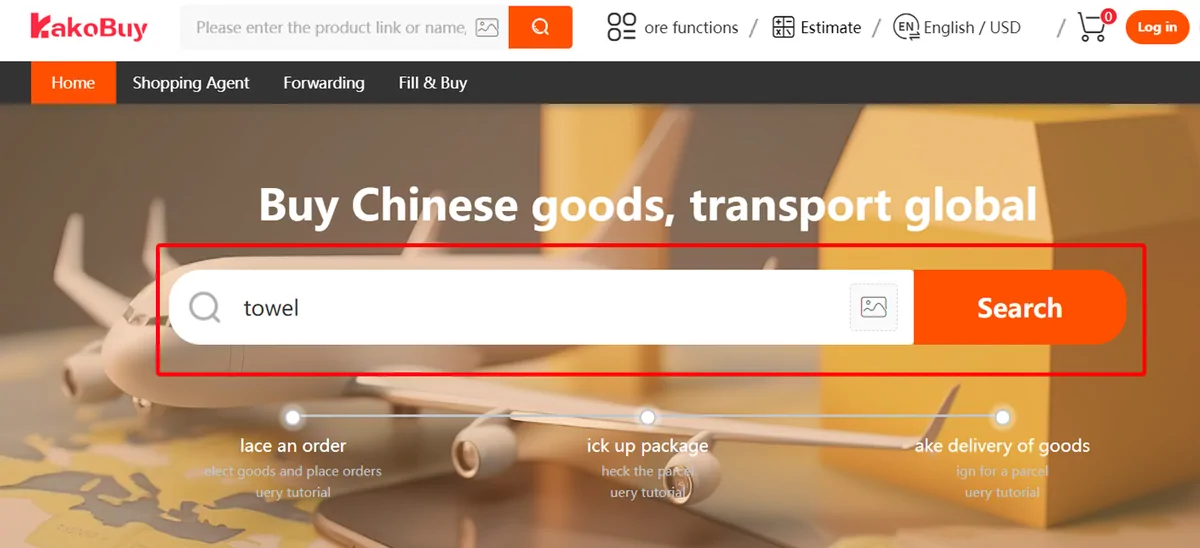
The official search bar accepts keywords; try a concrete product description and verify the resulting listing.
Search on Kakobuy