
The Spreadsheet: sixteen category lanes for product discovery
A Spreadsheet in this scene is a curated product-discovery catalogue: browsable category pages with product links to check. This one is organised so each lane gives you a practical listing check.
Browse the catalogue by category
Every card below opens a category grid. The one-line notes are this site's own: they say how the three routes behave for that kind of item, because a hoodie and a watch do not fail the same way.
 Sneakers
Check the size chart and exact selected model.
Category Jackets and coats
Check materials and measurements for the chosen variant.
Category Hoodies
Verify the actual listing and import result; use the manual branch if necessary.
Category Tees and t-shirts
Recheck stock and selected print before payment.
Category Jeans
JeansCompare garment measurements with a pair you own.
Category Sweats and joggers
A photo does not establish fabric weight; read the specifications.
Category Womenswear
Use the seller’s measurements rather than a converted size letter alone.
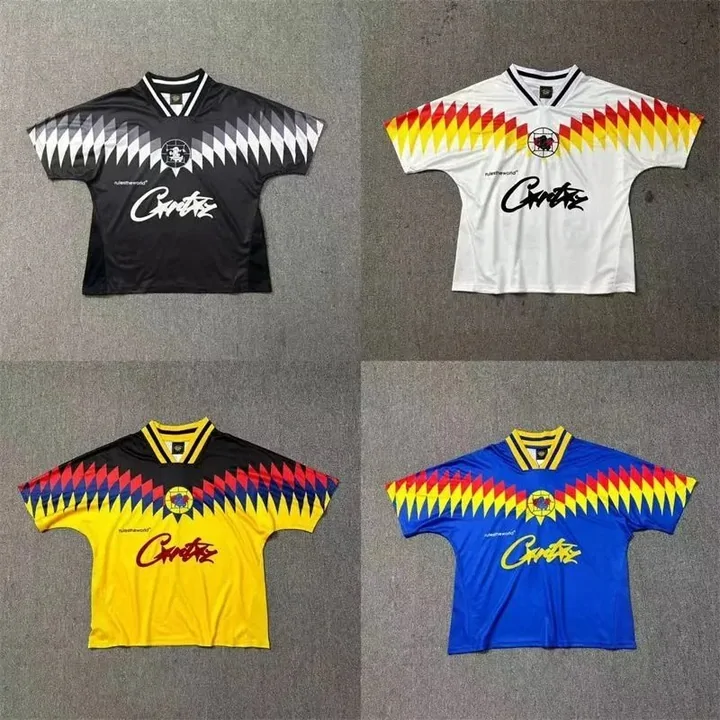
Search results Team jerseys
Check the exact team, print, season and size option.
Category Bags
BagsCheck dimensions, material and the selected bag version.
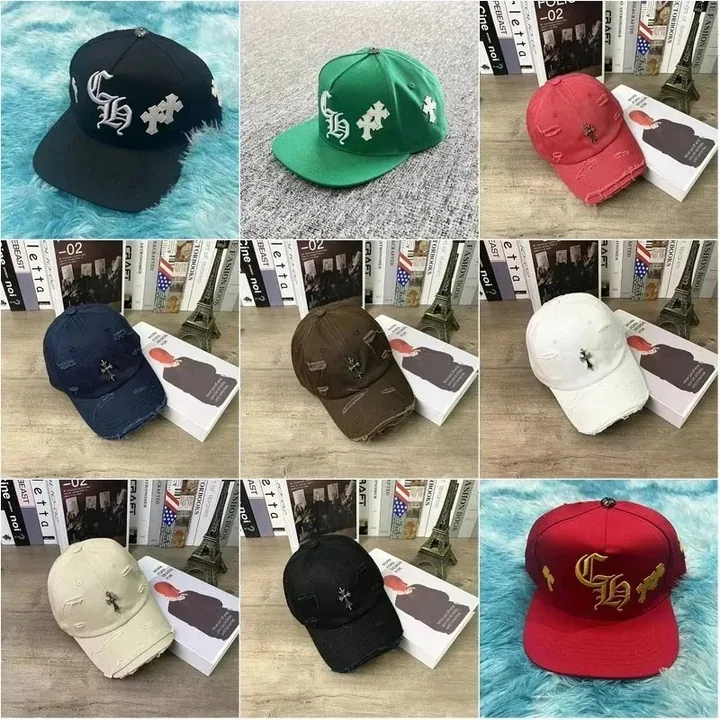
Category Caps and hats
Select the intended colour; a photo grid may show several options.
Category Belts
BeltsConfirm length, width and buckle specifications.
Category Glasses and eyewear
Check unit count and any seller minimum order quantity.
Category Fragrance
Confirm liquid restrictions and eligible destination routes.
Category Rings and jewellery
Compare size, material claims and the actual item’s QC photos.
Category Watches
Check the movement and battery details in the listing.
Category Audio and electronics
Appearance QC does not establish function or authenticity.
CategoryHow to pick an item once you are inside a lane
A category grid hands you candidates; choosing between them is reading practice. Three fields do most of the work, and all three came up on the route pages: the variant menus, the stock counter, and the seller's own spec text.
Open the variant menus first. The cover photo is marketing; the swatch row and size field are the contract. If the colourway you came for is greyed out, the listing is live but your variant is not, and no amount of re-finding the same listing fixes that.
Treat counters as weather, not law. The help centre's out-of-sale article says sellers update inventory late, so stock figures are a snapshot that the buying team re-confirms only after you order. Save the listing and selected specification, and use the buyer’s confirmation for stock changes.
Lane habits worth stealing
Garment lanes: the size charts are images written in Chinese, carried over exactly as the seller drew them. Measure a garment you own and compare centimetres; converted letter sizes drift between sellers.
Wholesale lanes, eyewear especially: 1688 listings price by quantity and carry seller-set minimums. The warehouse counts boxes, not pieces inside, per the 1688 purchasing rules.
Electronics: the inspection rules exclude authenticity, function and quality checks for electronic goods, so warehouse photos do not demonstrate that an electronic item works.
Why these cards beat a cold search
These category links support discovery, not a guarantee of stock or a particular seller. Open the actual listing and check the exact variant. If a product link no longer works, try a current seller listing, an image search or a more specific keyword; do not substitute a lookalike without checking its details.
The catalogue is still a snapshot, same as any listing. Cards age, sellers retire links, variants sell through. When a card lands somewhere stale, the image route with a screenshot of the card is the fastest recovery.
Found the lane but not the item? Try a more specific product term or the seller’s own vocabulary.
How keyword search works